
Private photo vault for iPhone
Hand over your phone, not everything.
Keep private photos, videos, notes and documents out of sight, behind your own pattern. Nothing you save is ever held back to make you pay.
Coming soon on iPhoneFree to start · No ads · No sign-up
You know that jolt.
Your kid wants to play a game. A friend wants to see the beach photos. Someone needs your phone for a quick call. And for a second you think about everything else in there: the personal photos, the ID scan, the medical notes.
The usual fixes don't quite work. Apple's Hidden album still lives inside Photos and opens with your phone's own Face ID or passcode. And many vault apps feel shady, lose people's photos, or charge them to get their own things back.
You deserve a private place that's calm, safe and fair.
Private in three simple steps.
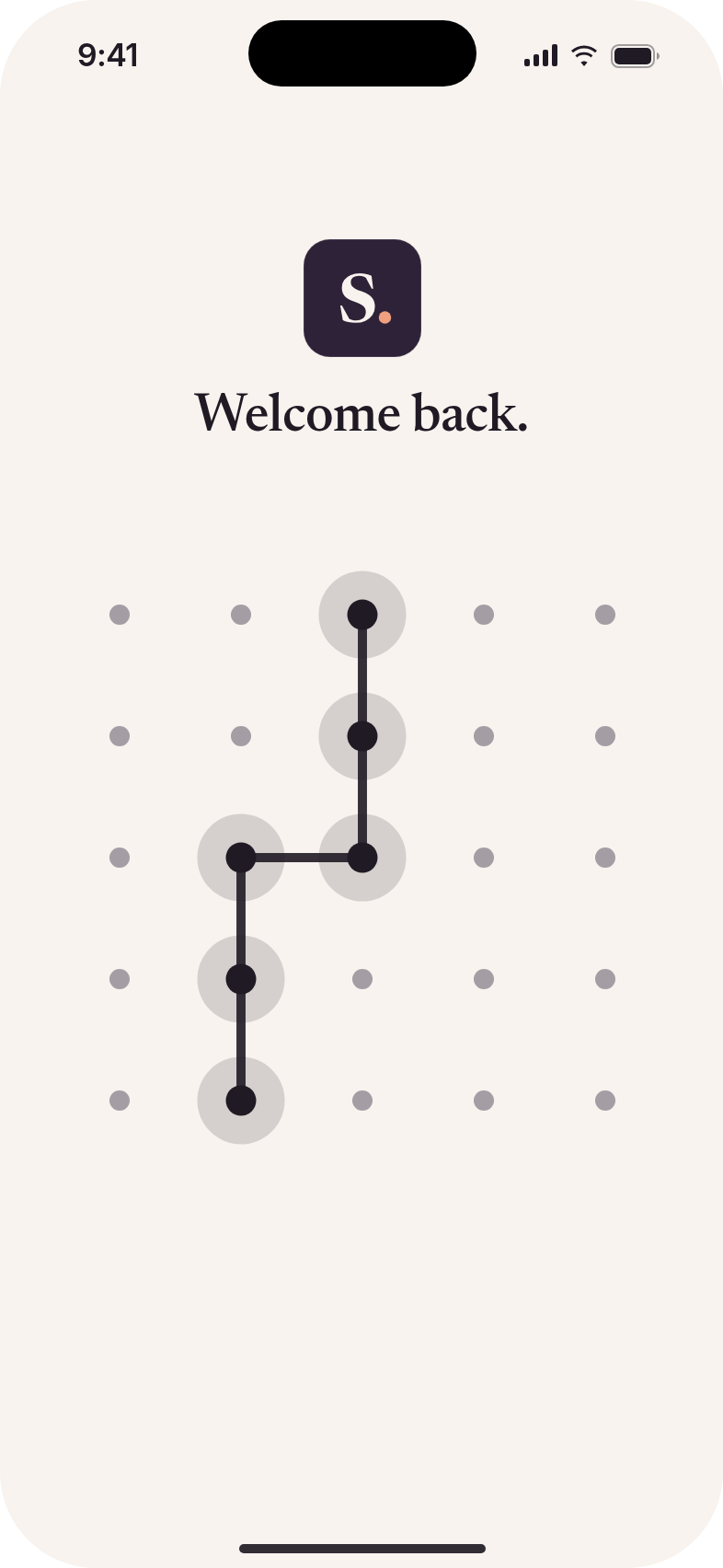
Draw your pattern.
Pick a pattern on a 5×5 grid. That's your way in. No sign-up, no email.
Add what's private.
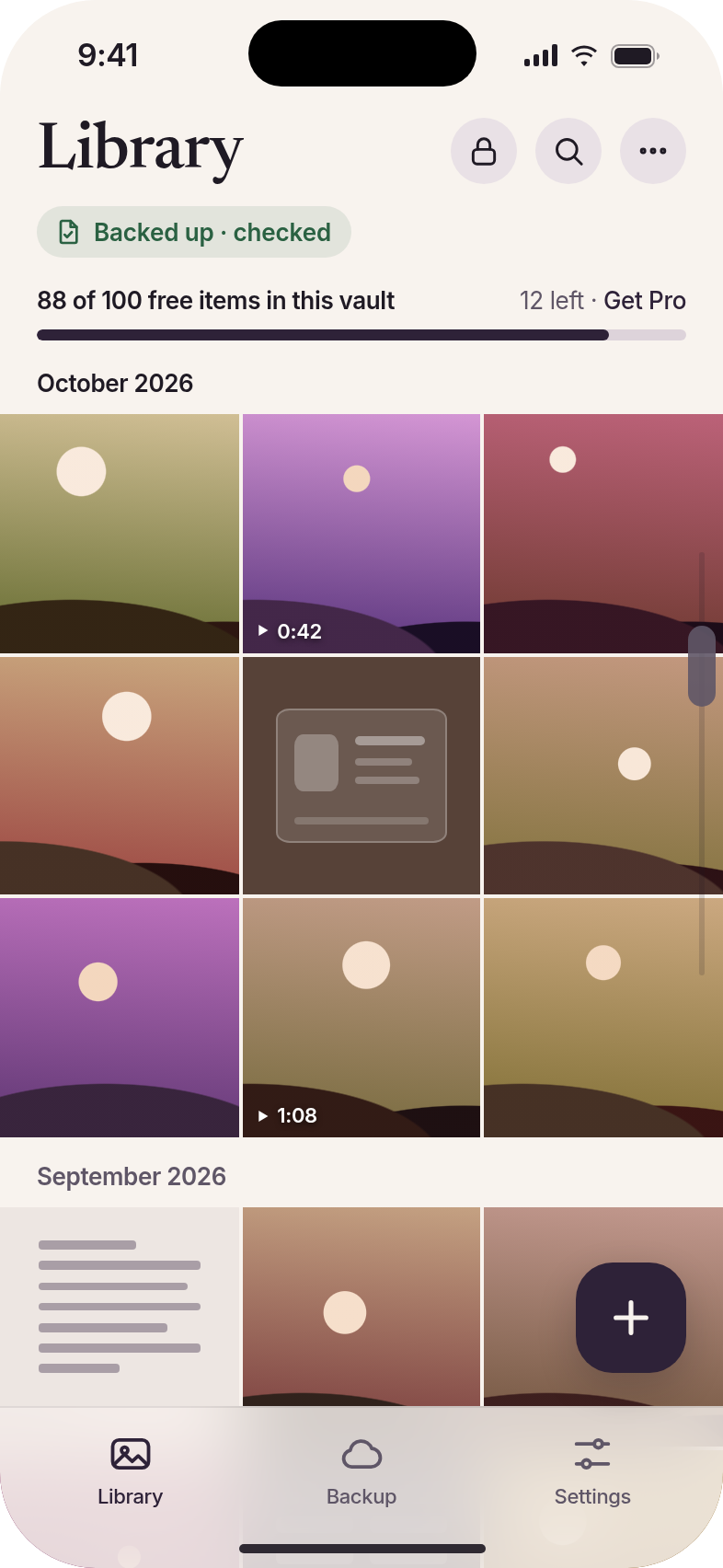
Choose photos, videos, notes or documents like an ID scan to add to your vault. Your originals stay in Photos unless you choose to delete them.
Hand over your phone.
Your private things stay out of sight, and they're still there whenever you need them.
Private, without the catch.
Your things are never held hostage.
Reached the free limit? You can still open, back up and export everything you've saved, even if a Pro plan ends. Pro only adds room. It never takes anything back.
Show one vault. Keep another to yourself.
Make up to 3 vaults for free, each with its own pattern. Show one vault while another stays hidden.
Calm, not cloak-and-dagger.
No fake calculator and no spy gadgets. Just a quiet, well-made home for the things you'd rather keep to yourself.
Why not just use the Hidden album?
| Feature | Apple's Hidden album | Typical vault apps | Shykeep |
|---|---|---|---|
| Opens with | Your phone's Face ID or passcode | Varies | Its own pattern, separate from your phone's passcode |
| Separate vaults with their own patterns | No | Some | Yes, up to 3 free |
| Your saved items if you stop paying | Nothing to pay | Some lock or limit them | Always yours to open and export |
| Photos, videos, notes and documents | Photos and videos | Varies | All four |
It'll still be here when you need it.
Losing photos is the worst thing a vault can do. So Shykeep is built around keeping things safe.
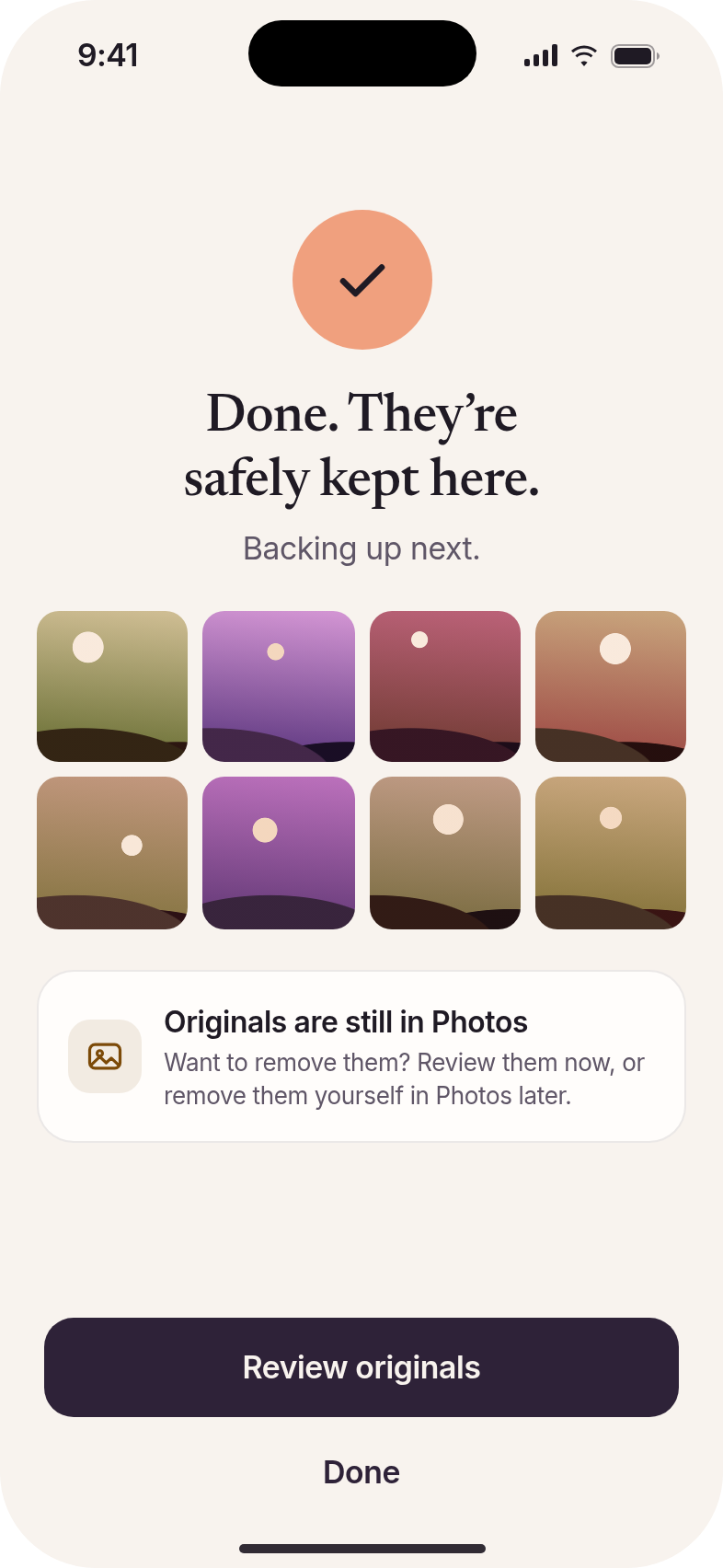
Backed up to your own iCloud.
Your vaults back up to your iCloud, not to an account with us.
A recovery key, just in case.
It moves your vaults to a new phone. Keep it somewhere safe, away from this phone.
Choose a pattern you'll remember.
A forgotten pattern can't be recovered, by you or by us. That's what keeps your vault yours.
Fair from the first photo.
Start free. Upgrade only if you need more room. What you've saved stays yours either way.
- Up to 100 items per vault
- Up to 3 vaults
- Pattern unlock, iCloud backup, recovery key, restore and export
- No ads
Every Pro plan includes:
- Unlimited items in every vault
- Up to 64 vaults
- Everything in Free
Pro adds room, never privacy. Every privacy and safety feature is free.
Start free
Coming soon on iPhoneThe 7-day free trial applies to the yearly plan. Lifetime is a one-time purchase: pay once, yours for good.
Yearly and weekly plans renew automatically unless cancelled at least 24 hours before the end of the period. Manage or cancel anytime in your Apple ID settings.
Straight answers.
- What if I stop paying for Pro?
- Everything you've saved stays yours. You can still open, back up and export all of it. You just can't add more beyond the free limits.
- Will I be charged without warning?
- No. Prices are shown before you pay, the free trial is 7 days on the yearly plan, and you can cancel anytime in your Apple ID settings. Lifetime is paid once and stays lifetime.
- Could I lose my photos or files?
- Your vaults back up to your own iCloud, and your recovery key moves them to a new phone. Keep the key somewhere safe, away from your phone. The one thing nobody can fix is a forgotten pattern, so pick one you'll remember.
- What happens when I get a new iPhone?
- Use your iCloud backup and your recovery key to bring your vaults across, then open each vault with its own pattern.
- What if I forget my pattern?
- We can't recover it. Nobody can, including us. Your recovery key moves your vaults to a new phone, but each vault still needs its own pattern.
- Do I need to create an account?
- No. Just draw your pattern.
- How is this different from the Hidden album?
- Shykeep has its own pattern, separate vaults, and room for notes and documents as well as photos and videos.
- Are there ads?
- No, not on Free or Pro.

Hand over your phone, not everything.
Your private things, safely kept.
Coming soon on iPhone